Search your bookmarks
Search titles, URLs, and notes. Add a tag like #work to narrow the results.
Keyboard launcher
Type a short code to open a favorite site, or search your bookmarks when you need a link you saved. Orbia runs on your own server.
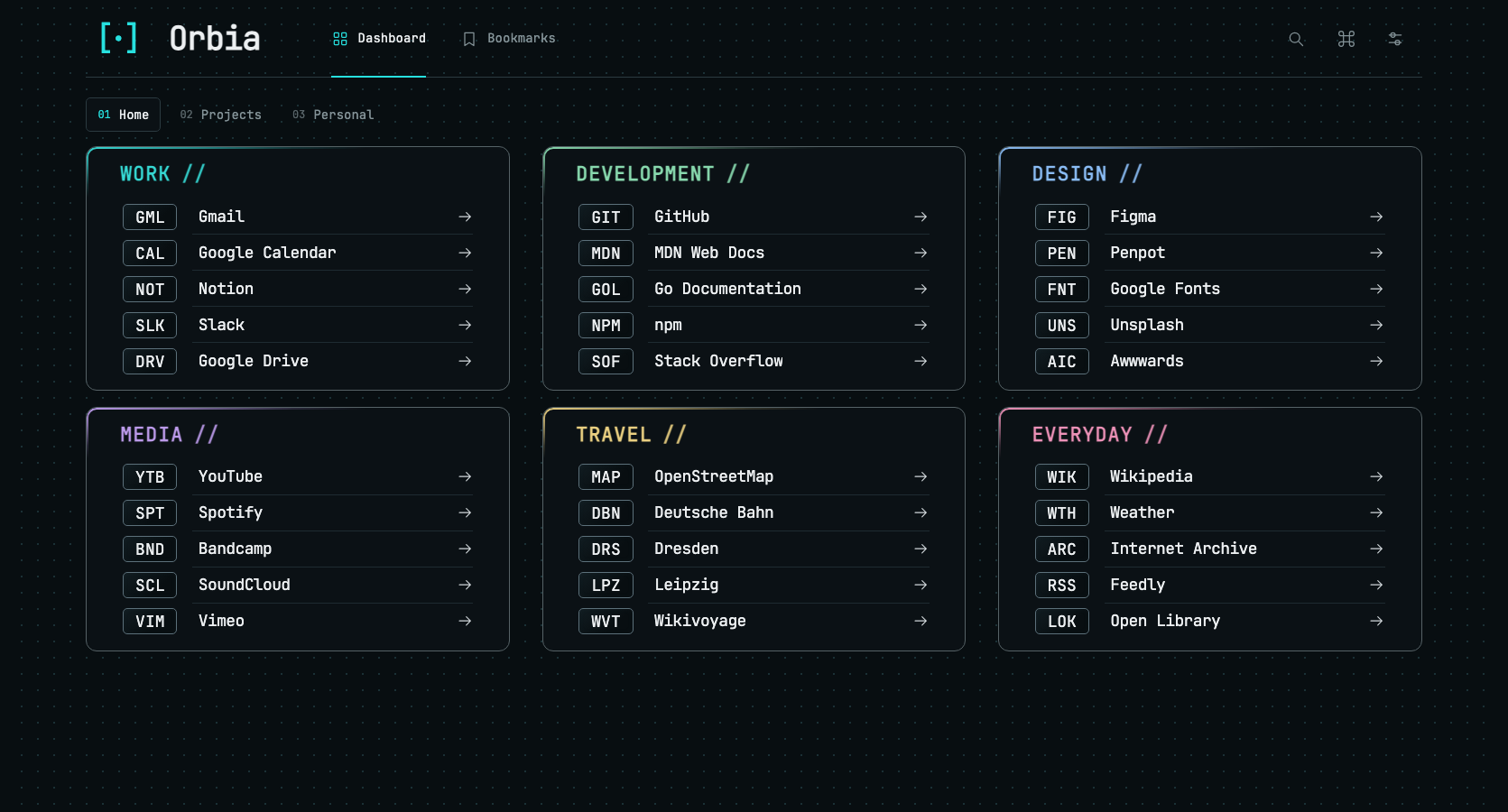
The dashboard
Group the sites you visit most by topic or project. Type a link’s three-character code to open it.
Search titles, URLs, and notes. Add a tag like #work to narrow the results.
Create groups, choose your own codes, and drag quicklinks between groups.
Switch dashboard pages or find an action by typing its name.
Change the theme, language, or how links open.
Installation
Start Orbia with Docker Compose. A SQLite database on your server stores your bookmarks and dashboard pages.